

Top 5 Best Free Mobile Video Editing Apps
- 20.07.26
- 7
- 0
Want to create viral videos? You can produce impressive content without spending a dime. iPhone and Android users have long embraced free mobile editing apps that come packed with built-in transitions, stylish fonts, and intuitive timelines.
CapCut: The Best All-Around Choice
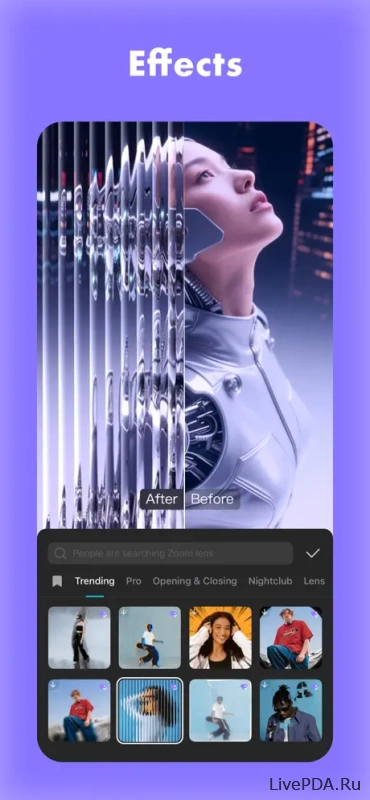
Created by the team behind TikTok, CapCut is naturally optimized for vertical social media content. Its interface is clean, the controls are intuitive, and you can put together a polished video in just a few minutes.
- Ready-made templates for TikTok and Instagram Reels.
- Built-in music, stylish text, effects, and stickers.
- Trendy transitions and filters.
- A watermark that can be easily removed before exporting.
Adobe Premiere: A Versatile Option for Beginners and Professionals
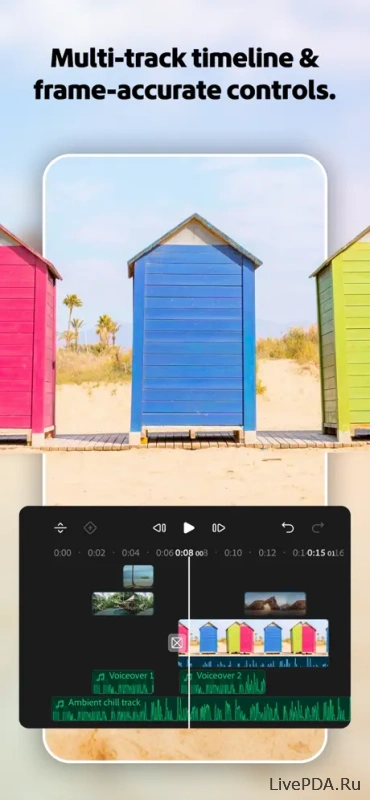
Adobe has successfully adapted the workflow of its flagship desktop editor into a streamlined mobile experience. The result is a lightweight version of Premiere Pro without the clutter of complex menus and advanced settings. It's available on all major mobile operating systems and is perfect when you need to edit a high-quality video on the go.
- Simple drag-and-drop video editing.
- Color adjustments, music, and title editing.
- Export videos in formats optimized for different platforms.
- Free plan with essential features and a limit on the number of exports.
Splice: The Expert in Trendy Transitions and Music
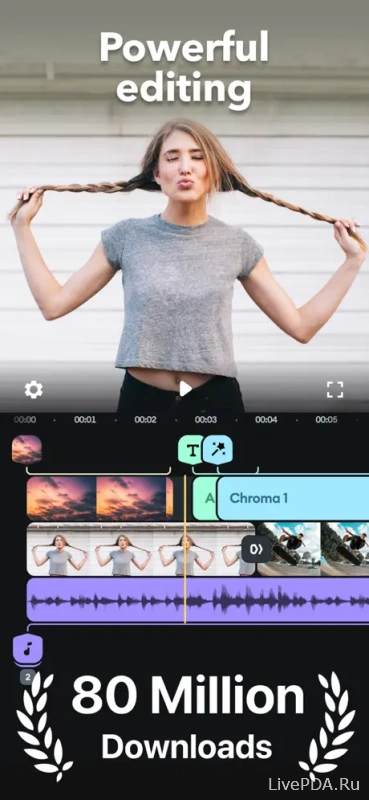
Splice is a polished editor available for both Android and iOS devices. Its clean interface makes it easy to create professional-looking videos without overwhelming users with unnecessary buttons or menus.
- Royalty-free music library.
- Powerful trimming tools, speed controls, and smooth transitions.
- Easy text overlays and built-in voice-over recording.
VN Video Editor: Professional Features Completely Free
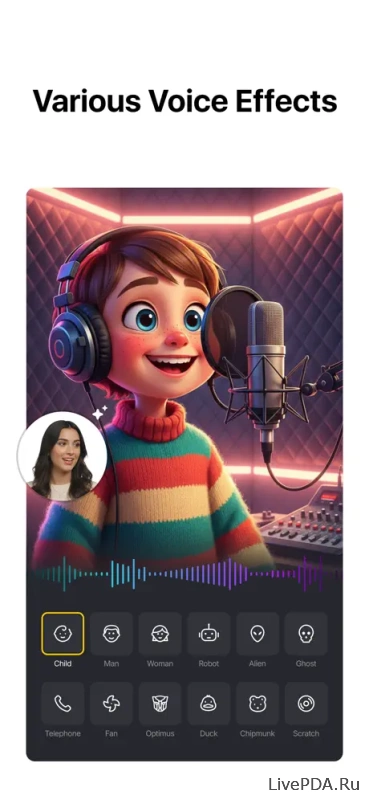
VN Video Editor brings advanced editing capabilities to both Android and iOS without charging a subscription fee. Despite its professional toolset, the app remains approachable even for complete beginners.
- Multi-layer timeline for detailed editing.
- Ready-made templates for popular social media formats.
- Extensive library of music, fonts, and transitions.
- High-resolution exports with no distracting watermarks.
Canva: The King of Templates and Quick Edits
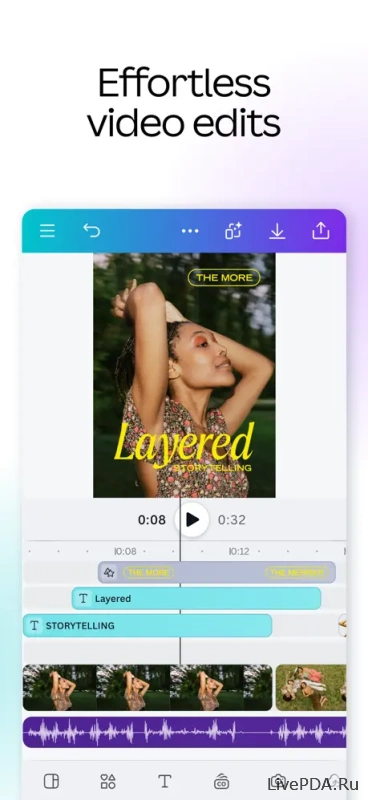
Canva has evolved far beyond graphic design and now offers an excellent mobile video editor for smartphones and tablets. Its massive collection of ready-made templates makes content creation incredibly fast and convenient.
- Hundreds of templates for short-form vertical videos.
- Simple drag-and-drop editing interface.
- Smooth animations, text overlays, and audio tracks.
- Full synchronization between the mobile app and desktop version.