

5 Best Photo Editing Apps for Smartphones in 2026
- 21.07.26
- 25
- 0
When you're just getting into photography, achieving professional-quality results without spending hours editing on a computer can seem impossible. In reality, it doesn't take long to realize one simple truth: times have changed, and the best camera is the one in your pocket. The same applies to photo editing software.
Whether you're using an iPhone 17 Pro or a flagship Android phone, the gap between mobile apps and professional desktop editors has become remarkably small. After extensive testing, we've put together a list of the best tools available.
1. Adobe Lightroom Mobile: The Professional Standard
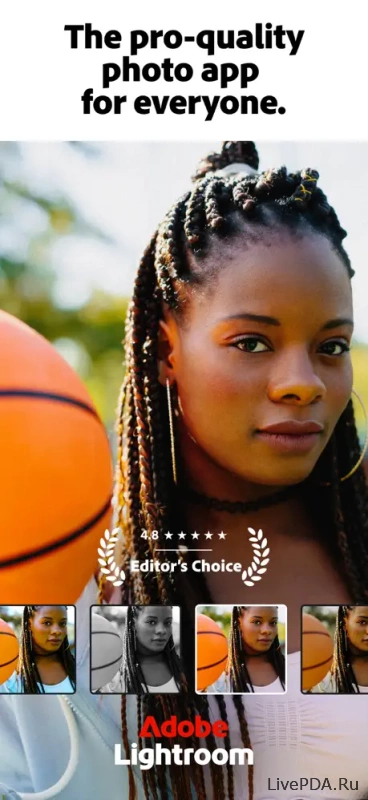
Lightroom remains the foundation of many professional editing workflows. It's an excellent choice for photographers who shoot in RAW and want seamless cloud synchronization across multiple devices.
The 2026 version introduces powerful AI-powered tools. You can effortlessly remove unwanted objects and create realistic background blur. Whether it's an unexpected tourist or an unattractive wall in the background, Lightroom removes distractions while keeping the image looking completely natural.
A useful bonus is its outstanding tablet experience. On an iPad or a powerful Android tablet, the interface feels remarkably close to the desktop version.
2. Snapseed: The Best Free Photo Editor
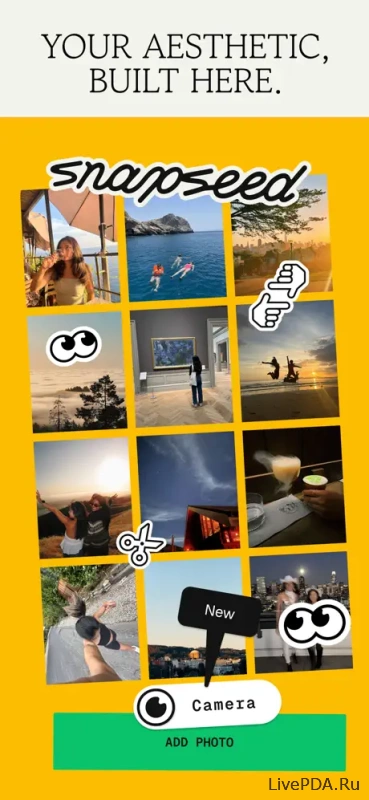
Snapseed continues to be the benchmark for free editing software without intrusive advertising. Google has recently added intelligent editing features while preserving the familiar interface that users have appreciated for years.
The app is especially impressive for creating double-exposure effects. You can combine two images, choose different blending modes, and use masks to hide unwanted areas with precision.
Its Selective tool deserves special praise. Simply place a control point on a dark area, and Snapseed intelligently brightens only that specific section without affecting the rest of the image.
3. VSCO: The Home of Film Photography Aesthetics
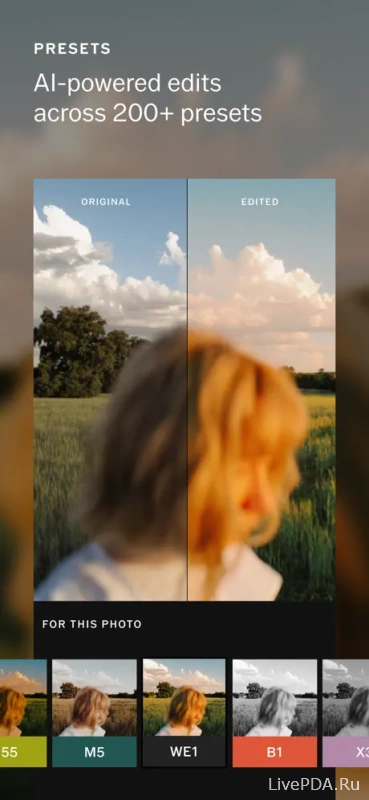
If you're after the timeless look of analog film, VSCO remains one of the best choices available. While its built-in social network has shifted focus over the years, the signature presets inspired by classic Kodak and Fujifilm stocks still stand among the industry's finest.
The Recipes feature significantly speeds up editing. Once you've perfected the look of one photo, you can save those settings and apply them to an entire series, creating a consistent visual style across your gallery.
4. Photomator: The Power of Apple's Ecosystem
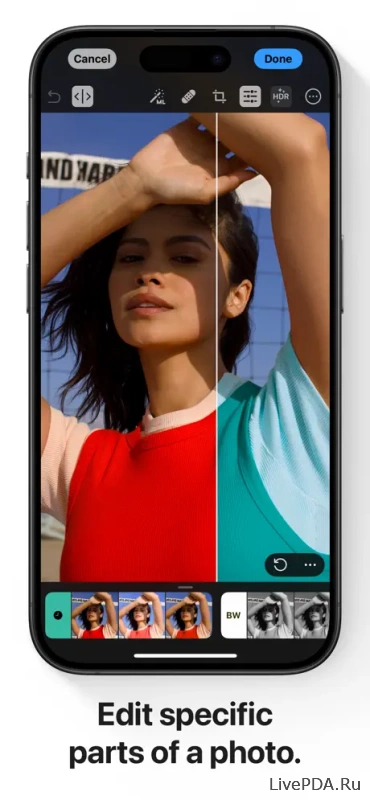
Photomator is an excellent solution for iPhone and Mac users who want to avoid expensive monthly subscriptions. It's particularly appealing to those who prefer paying once rather than committing to recurring fees.
Built exclusively for Apple's ecosystem, the app delivers exceptional performance. Its intelligent enhancement tools automatically balance exposure and color while preserving a natural look instead of producing the artificial "plastic" effect common in many AI editors.
Sometimes, however, you don't need a third-party app at all. By 2026, the built-in gallery applications on modern smartphones have evolved into surprisingly capable editing suites.
Sometimes the best editor is the one already installed on your phone. Today's default gallery apps offer features that would have required dedicated software just a few years ago.
Apple Photos on iPhone
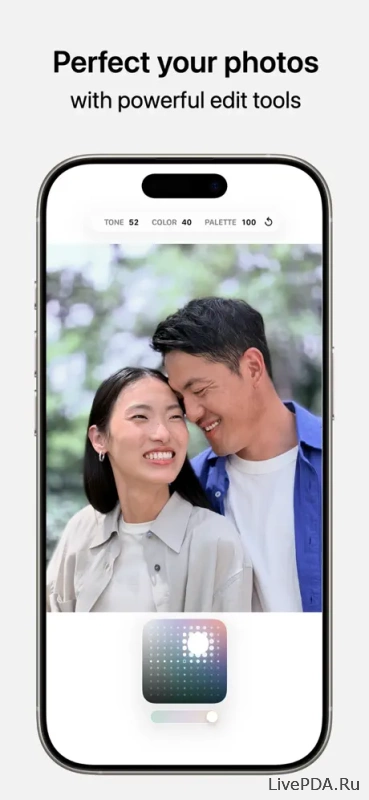
The default Photos app in iOS 26 has evolved far beyond a simple photo gallery.
The Clean Up tool is now integrated directly into the editing menu, making it easy to remove small distractions from your images. Photographic Styles let you adjust tone and warmth even after the photo has been taken, while Apple's processing preserves natural-looking skin tones.
Batch editing is equally convenient. Edit one image from a photo session, copy the adjustments, and apply them instantly to the rest of your photos.
Google Photos and Samsung Gallery on Android
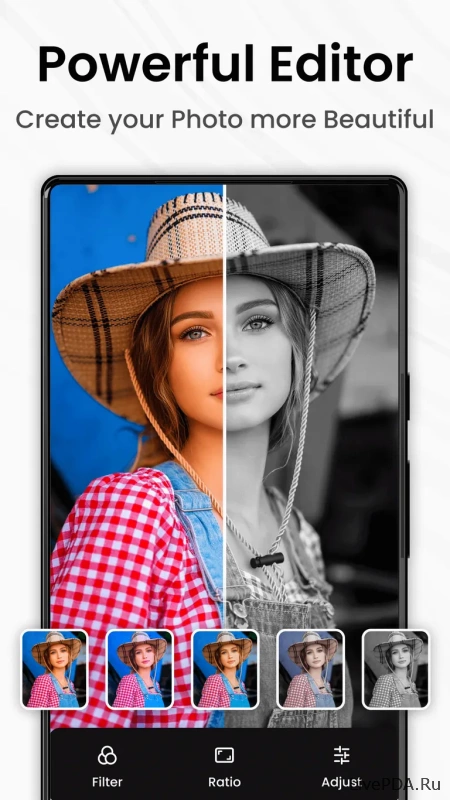
Google Photos now includes AI-powered editing tools capable of replacing skies and enhancing landscape textures. While the results can occasionally feel overprocessed, the feature does an excellent job of rescuing dull, overcast scenery.
Samsung's One UI 8.5 introduces an intelligent Photo Assist feature. Simply circle an object with your finger, and the system allows you to move, resize, or reposition it with remarkable accuracy. It's an impressive level of functionality for software that comes preinstalled on the device.