

Best Free Drawing Apps for Android in 2026
- 12.08.26
- 28
- 0
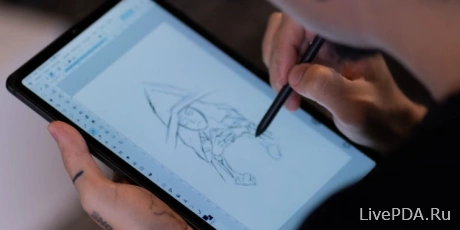
Finding a decent drawing app for Android is no easy task. iPad owners can simply download Procreate and call it a day. Users of other tablets have to sift through dozens of alternatives. After extensive testing, we put together a selection of powerful apps. They can easily turn an ordinary device into a portable studio. The feature sets are so extensive that you can often do without pairing a Wacom tablet with desktop Photoshop.
Infinite Painter
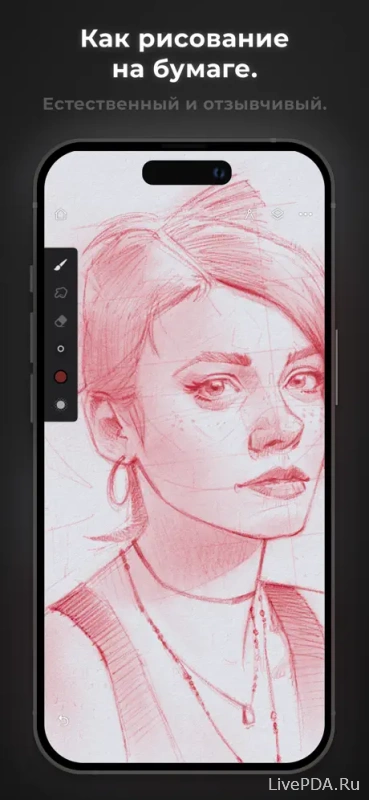
The basic version is free. A one-time purchase is required to unlock the full set of tools. A major advantage is the complete absence of advertising banners, even in the free version. The app offers an excellent selection of rulers, geometric shapes, and gradients.
The system allows you to import and create custom brushes on par with full-fledged Photoshop tools. The manga-oriented features deserve special attention. A convenient fill brush dynamically fills shapes with color as you draw. The eraser is unusual as well. It can move the edges of lines or carefully cut out small details.
The interface looks extremely simple. A tiny toolbar hides a huge amount of potential. Brush size and opacity can be adjusted with a swipe to the left or right. Palettes can be docked anywhere you find convenient. The app would be nearly perfect if not for its video quality.
SketchBook
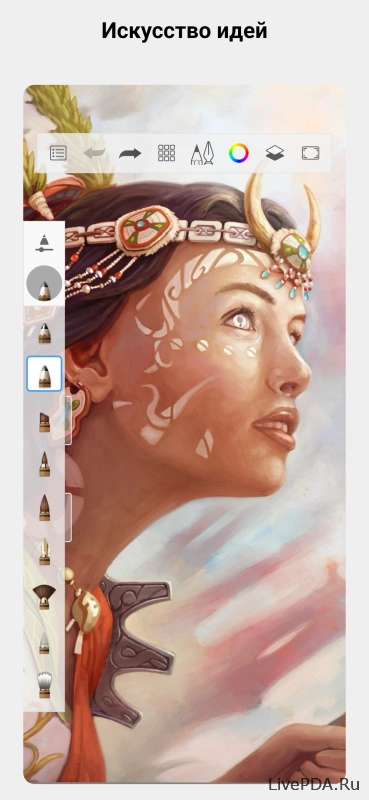
A powerful tool for creating sketches and full-fledged artwork. The collection of pencils is impressive, while flexible settings let you adapt brushes to specific tasks. The menu logic becomes clear within the first few minutes. Unnecessary elements can easily be hidden with a single tap.
The app works excellently with PSD files and preserves all layers when exporting. Its biggest highlight is the fantastic collection of Copic markers. The pigments blend and layer just like real-world materials.
The developers have done an excellent job tuning stylus responsiveness. Brushes react to pressure, tilt, and even the slightest changes in the line. Even some full-fledged desktop editors struggle to offer this level of realism.
ibis Paint X
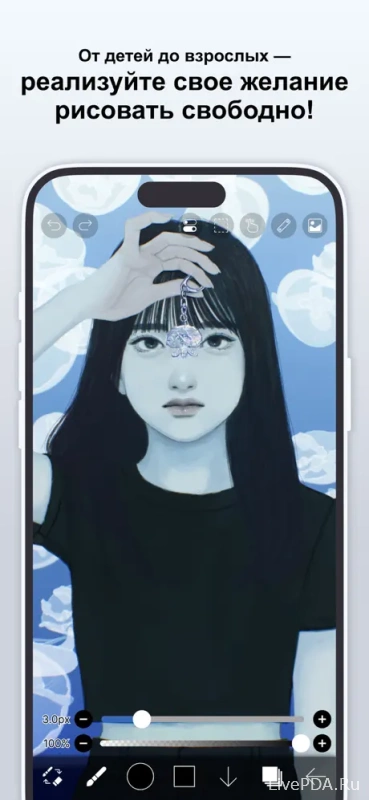
This software was specifically designed for drawing comics and anime. The library includes more than 150 brushes and 700 different fonts. The app can also edit photos and offers a rich selection of filters. Special guides automatically create panels for storyboards.
Artists can easily add premade backgrounds and adjust lighting within a scene. The app also has a built-in social network for publishing artwork. The basic version is heavily marred by intrusive advertising directly in the workspace.
The menu feels somewhat cluttered because of the huge number of features. Regular use will almost certainly push you toward the paid version. Otherwise, the advertising blocks can quickly kill your creative mood.
MediBang Paint
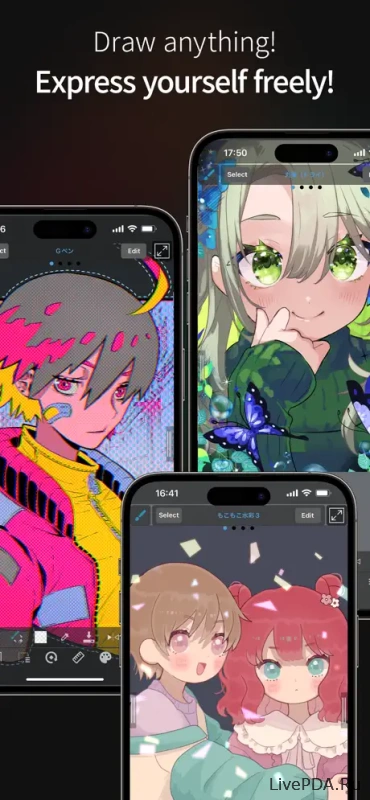
Another excellent option for fans of Japanese comics. The workspace closely resembles classic Photoshop. The catalog contains hundreds of ready-made backgrounds, textures, and themed fonts.
Creating manga pages is incredibly easy here. Panels can be divided into sections with ease, while text and character dialogue can be added in just a couple of clicks. Dedicated tools help you build accurate perspective and clean geometric shapes.
The design and menu logic fully reflect the Japanese aesthetic. The only serious drawback is the lack of a video recording feature. You cannot save the drawing process as a time-lapse.
ArtFlow
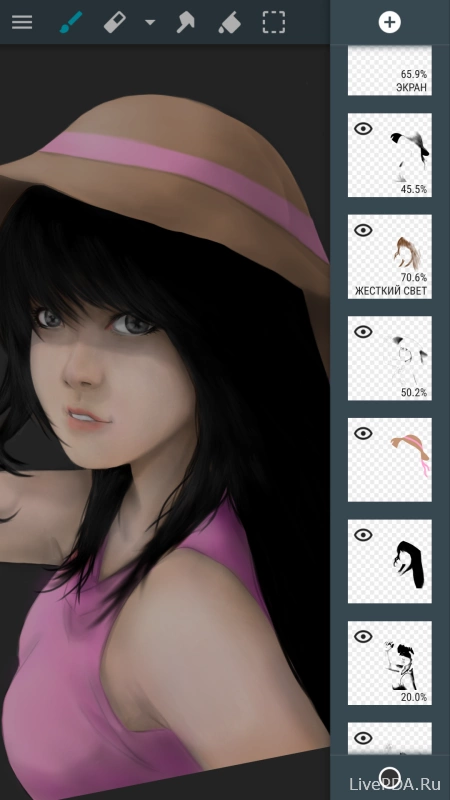
A deep and sophisticated app with a highly realistic drawing experience. One of its key advantages is the ability to undo an unlimited number of actions. The interface can be understood within just a couple of minutes.
The starter version comes with strict limitations. Selection tools and support for multiple layers are available only after purchasing a license.
Artecture Draw, Sketch, Paint
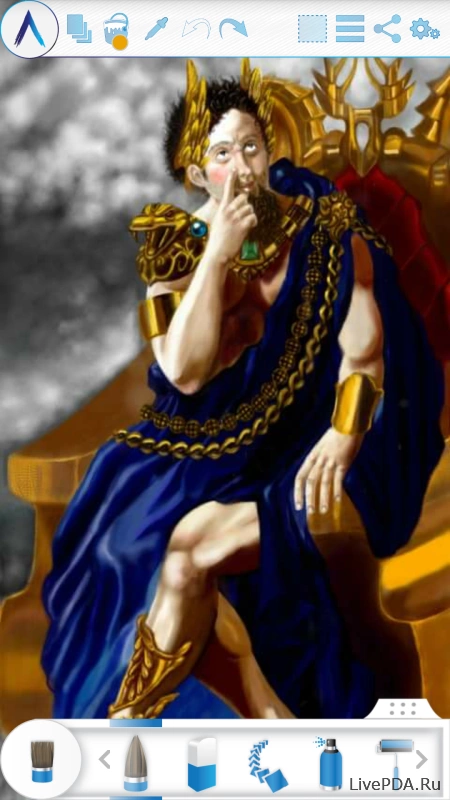
The appearance of this editor may seem somewhat unusual. However, behind the questionable design lies a powerful toolset. Artists have access to more than 30 realistic drawing tools, including markers, oil paints, palette knives, and gradients.
Layers support various effects such as sepia and blur. The app can trace images and color in templates. Another major advantage is automatic file saving while you work.
Zen Brush
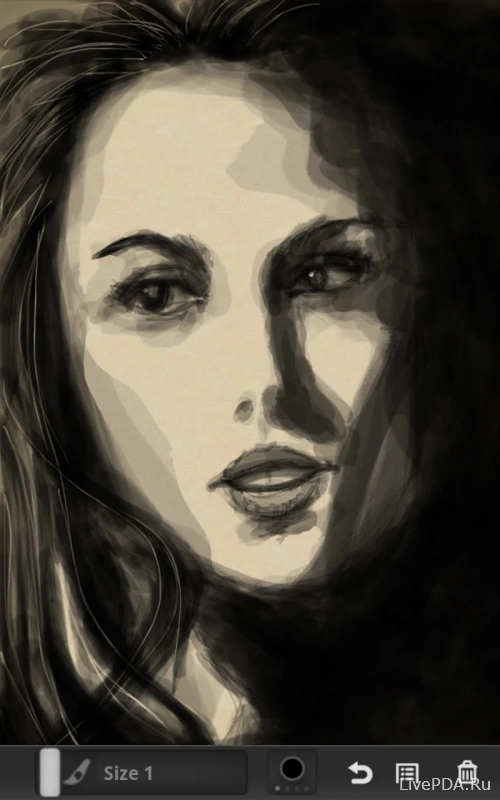
A specialized tool for calligraphy, monochrome drawings, and ink work. The app features an excellent collection of brushes with an impressive effect that mimics the way ink glides across paper.
The app is locked to portrait orientation. There is no way to rotate the interface horizontally. The free version constantly interrupts the creative process with intrusive advertising banners. For comfortable use, you will have to purchase the editor.